Serving Messages
In-app messages come in two basic versions, ones displayed as an overlay of the current content screen in the app and inline ones which are shown in a specific view-component directly integrated into the app.
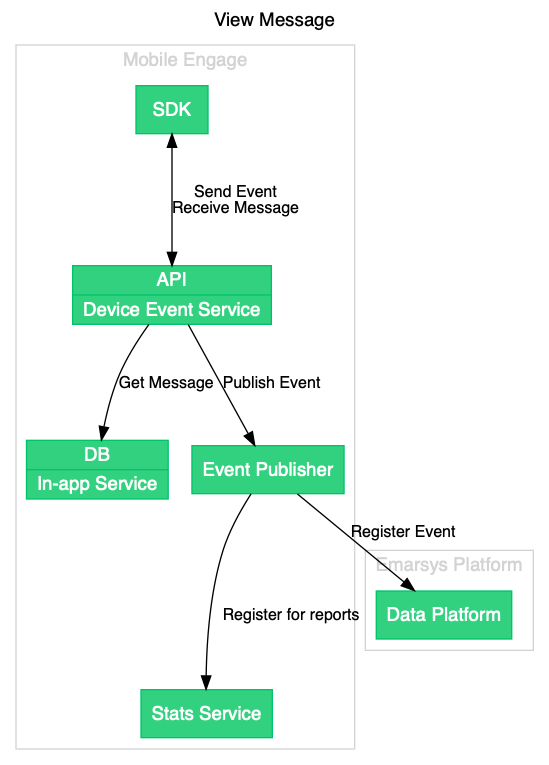
All messages are being served by the Device Event Service. The service directly uses the database from the in-app camapign service to load the active campaigns.
The two types of messages are triggered served to the app in completely seperate ways.
Overlay Messages
Event Triggered
The overlay messages are triggered and sent back as a response when the app is registering events with the backend.
| An app may sent many different events and most of them will not trigger a message. See the events endpoint of the REST API for more details on this. |
Push Triggered
An overlay message may also be triggered directly by a Push Notification. In this case the notification contains a signed URL pointing to a specific messages. See message endpoint for the specifics.
Inline Messages
Since inline messages are directly bound to a specific view they are not triggered by events instead the SDK uses the inline-messages endpoint.
On-Event Action Message
In some cases you might want to trigger some action on the app-side without first displaying something to the user. For these cases we have the on-event action message which consists of one or more actions (similar to button-actions) that will be executed by the SDK when given back as a response to events being registered.
See the response of the events endpoint for further details.