Notify on Audience Init or Update Failure
Description
Sometimes the initialization or update of an audience fails due to the segment run failing because of various issues. This might be due to a misconfiguration of the segment but typically this is something we can’t correct ourselves but something the customer needs to take care of. This concepts relates to SUITEDEV-35566.
Requirements
-
Notify when getting the segments fails or takes too long to be prepared.
-
Stop trying for a certain period of time when failing at init.
-
Stop trying until the next update interval when failing at update.
-
Attempt to solve automatically whenever possible.
Concept
To implement retry delays after failures:
-
Use a single timestamp field (
next_attempt_at) in the audience table record for both init and update attempts. -
On failure (init or update), set
next_attempt_atto the appropriate future time (retry delay or next update interval). -
Before any attempt (init or update), check if the current time is after
next_attempt_at. If not, skip the attempt. -
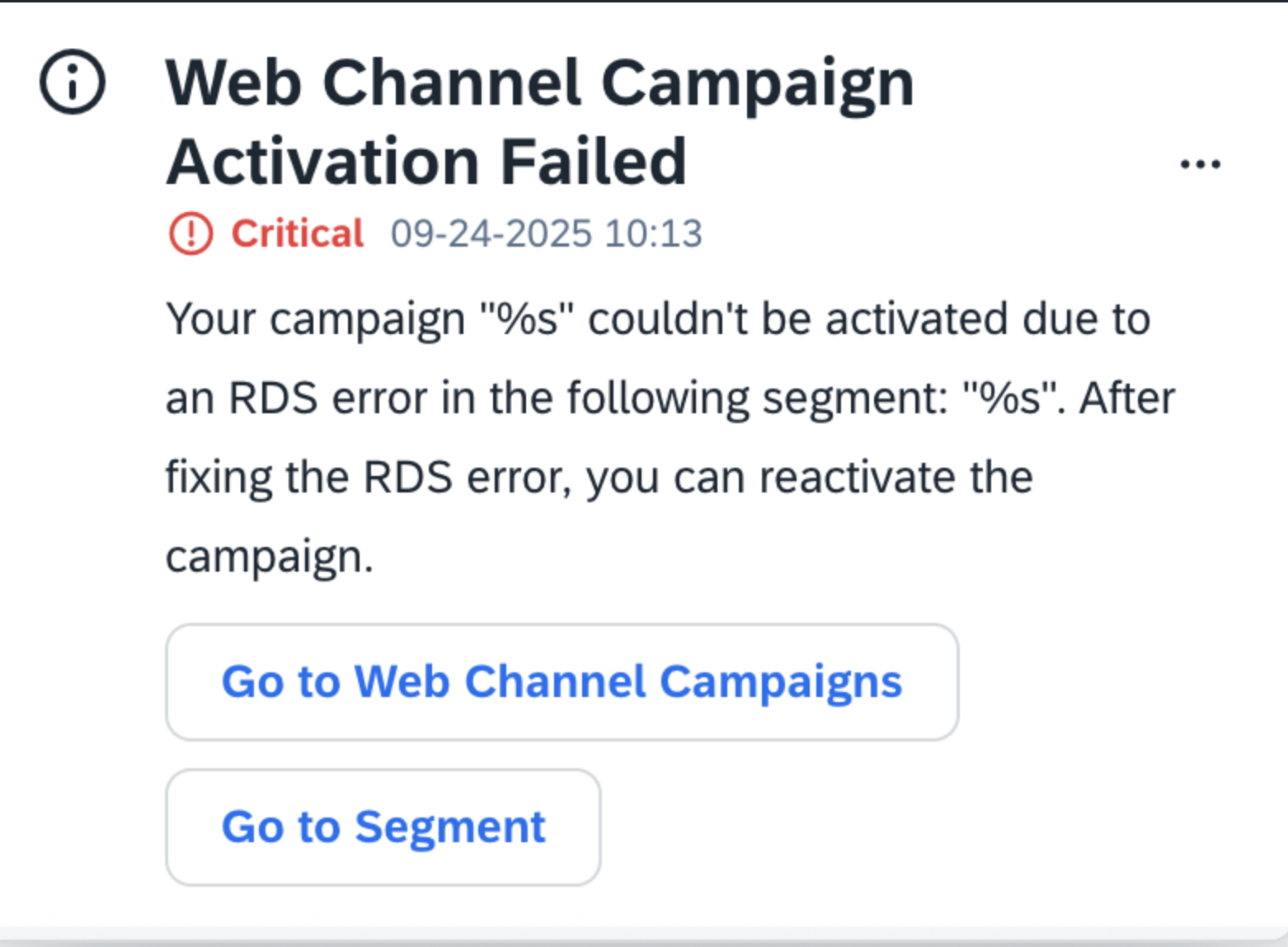
On segment retrieval failure or timeout, notify the customer in the notification center.
-
On success, clear
next_attempt_atand error/status fields so future attempts are not blocked and the UI reflects the healthy state. -
Provide a dedicated endpoint to retrieve the
stateanderrorReasonof the audience, since they are anyway updated during audience init or update. -
Ensure the campaign UI can call the dedicated endpoint and display the current audience status and error message if present.
Example Logic
if (audience.next_attempt_at && Date.now() < audience.next_attempt_at) {
  // Skip initialization or update
  return
}
try {
  if (shouldInitialize(audience)) {
    await initializeAudience(audience)
  } else {
    await updateAudience(audience)
  }
  audience.next_attempt_at = null
} catch (err) {
  notifyCustomerOfSegmentIssue(audience.customerId, err)
  audience.next_attempt_at = Date.now() + getRetryDelay(audience)
  await saveAudience(audience)
}
Rollout Steps
-
Talk to the UX team and Docu team about the notification design and content (see example below), respectively the audience status on the campaign page.
-
Add a single retry timestamp field (
next_attempt_at) and error/status fields (e.g.state,errorReason) to the audience table -
Implement notification, retry, and error/status logic in audience workers using these fields
-
Create a dedicated endpoint to retrieve audience state and error reason
-
Update campaign UI to call the endpoint and display audience status and error messages
-
Monitor failures and adjust intervals as needed